top of page

Search


Using Salesforce Reports in 8020CRM
Overview Salesforce Reports in 8020CRM transform CRM data into clear, actionable insights. With built-in filters, visualizations, and scheduled delivery, they help real estate teams monitor performance, track activity, and make informed decisions across lead, deal, and marketing workflows. 8020CRM provides pre-built reports for every role — from lead managers and transaction coordinators to leadership teams. These templates let you launch quickly while maintaining consistent,
2 min read


8020CRM Status & Stages Overview
Jump to section Lead Status Opportunity Stages Property Transaction Stages Mapping Status Conclusion Effective management of the lead, opportunity, and property transaction status is critical for ensuring a seamless sales process and accurate performance tracking in 8020CRM. By understanding the various statuses and their triggers, you can optimize automation, improve team workflows, and ensure your KPIs remain aligned with your business objectives. Lead Status In 8020CRM, th
5 min read


Setting Up Custom Domains for Your 8020CRM Experience Cloud Site
Overview A custom domain gives your 8020CRM Experience Cloud site a branded, easy-to-remember web address. Instead of sending users to a default Salesforce URL, you can give them a direct link under your own domain - helping build trust, improve user adoption, and strengthen your brand. Before You Begin You’ll need System Admin access in Salesforce. Access to your domain registrar (e.g., GoDaddy, Squarespace). Your Salesforce-provided Experience Cloud domain information (ava
2 min read


Improving Email Deliverability in 8020CRM with SPF & DKIM
In this document, we will discuss how to enhance email deliverability in 8020CRM using SPF (Sender Policy Framework) and DKIM (DomainKeys Identified Mail). These mechanisms help ensure that your emails reach their intended recipients without being marked as spam. Key Components BCC Email Setup Purpose: BCC (Blind Carbon Copy) allows you to receive copies of emails sent out, helping you monitor what is being sent and identify any potential issues such as bounces. Recommendati
2 min read
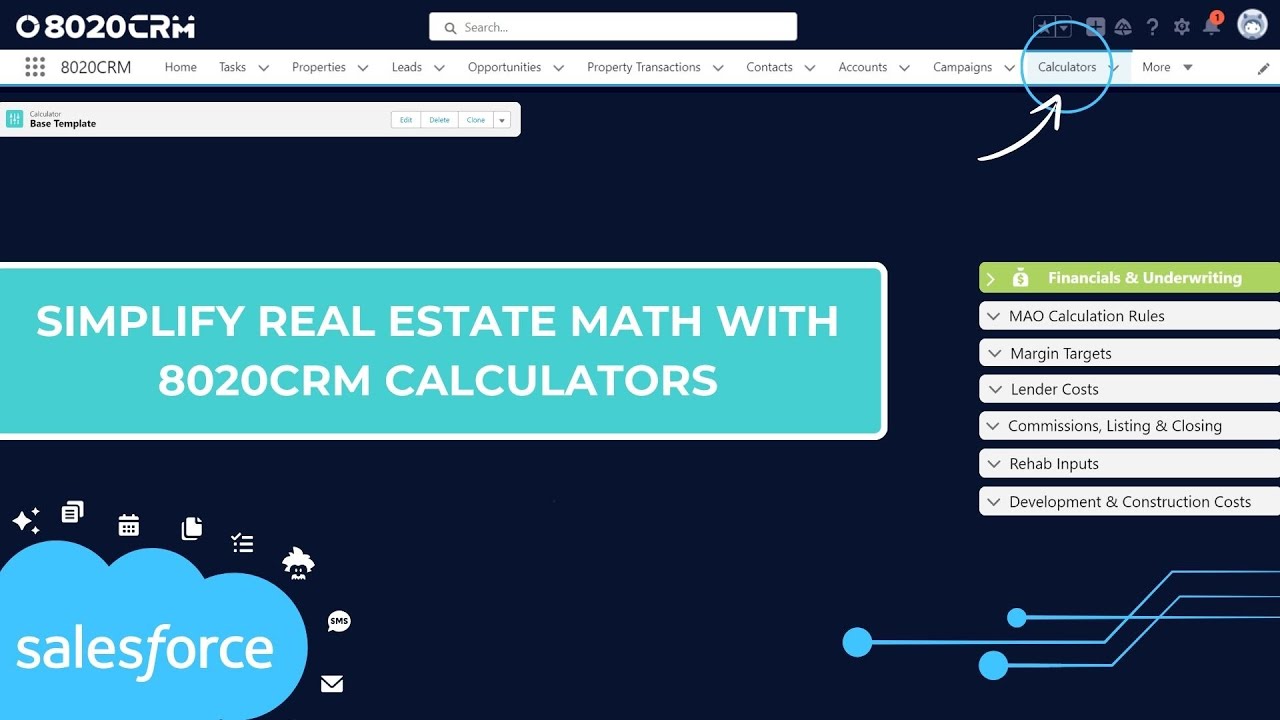
Why 8020CRM Calculators Are the Smarter Choice
Overview In real estate, speed and precision can make or break a deal. While many investors still rely on spreadsheets for deal analysis, these tools can be slow, prone to error, and difficult to manage at scale. The 8020CRM Calculators replace manual spreadsheets with built-in, automated, and customizable deal analysis - giving your team instant, accurate results directly in the CRM. Before You Begin You must have System Admin access to configure or edit calculators. All u
2 min read

Managing Permission Sets and Profiles in 8020CRM
Jump to a section Overview Before You Begin Why It Matters Step 1: Access Salesforce Setup Step 2: Navigate to Profiles and Permission Tools Step 3: Assign a Permission Set Group Step 4: Assign Individual Permission Sets (Optional) Step 5: Configure User Details Step 6: Activate or Deactivate a User Best Practices Learn More Overview User access in 8020CRM is controlled through a combination of Salesforce Profiles , Permission Sets , and Permission Set Groups . This guide wal
3 min read

Creating Custom Rehab Levels in 8020CRM
Jump to a section Overview Before You Begin Why It Matters Step 1: Access Rehab Level Settings Step 2: Understand Default Rehab Levels Step 3: Modify Rehab Levels Step 4: Review Scope Summary and Save Best Practices Learn More Overview Rehab levels in 8020CRM help you define consistent project scopes across renovation types - from light cleanups to full remodels. Customizing these levels allows you to streamline task management, budgeting, and team alignment across multiple p
2 min read
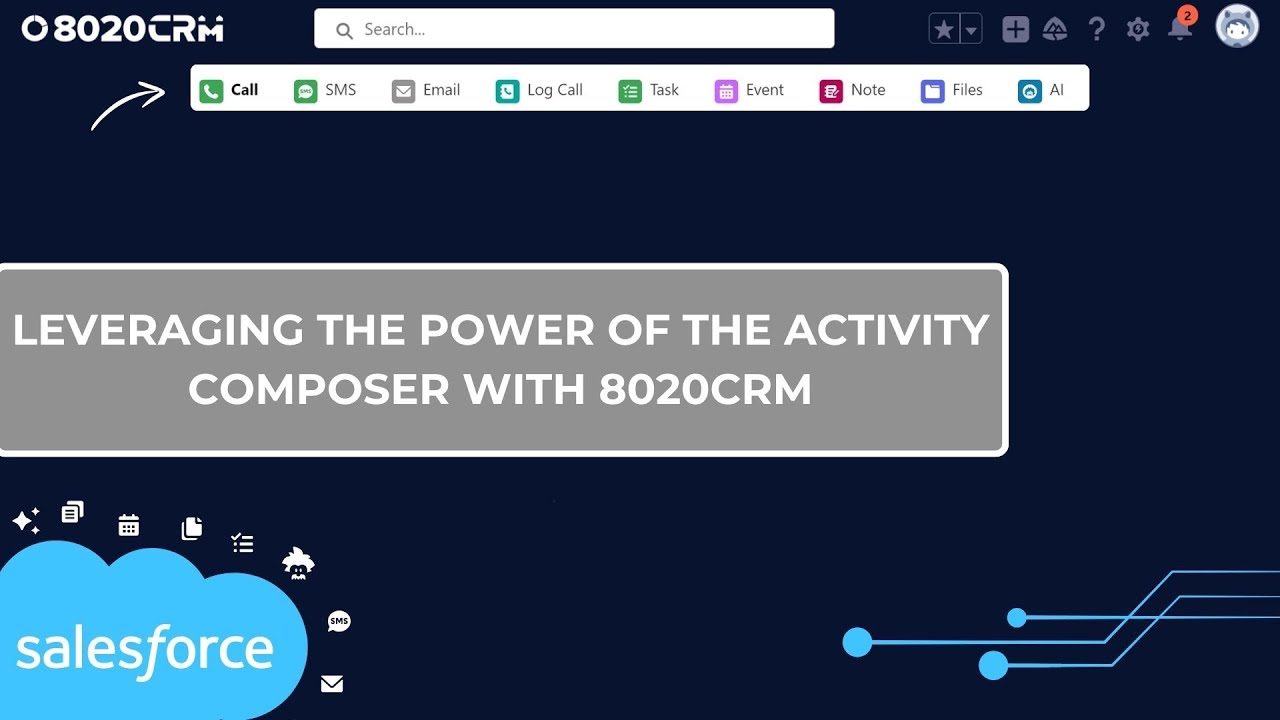
Using the Activity Composer in 8020CRM for Communication and Task Management
Jump to a section Locate the Activity Composer Log Calls, Emails, and SMS Create Tasks and Follow-Ups Schedule Events and Appointments Track Everything in the Activity Timeline Best Practices Learn More Overview The Activity Composer in 8020CRM helps you stay on top of daily communication, follow-ups, and appointments. It brings your most important actions - like calling, emailing, scheduling, and logging activity - into one streamlined panel across Leads, Opportunities, and
3 min read

Managing Opportunity Teams in 8020CRM for Seamless Collaboration
In real estate and sales, collaboration is key to success. 8020CRM's Opportunity Teams feature enables seamless teamwork by allowing multiple users to collaborate on opportunities while maintaining privacy and security. In this guide, we’ll walk through the essentials of setting up and managing Opportunity Teams in 8020CRM, ensuring your team stays organized and efficient throughout the sales process. What is an Opportunity Team? An Opportunity Team in 8020CRM is a group of i
4 min read

Segmenting Data with Markets in 8020CRM
Jump to Section Overview Before You Begin Why It Matters Creating and Managing Markets Enhancing Your Market Automati on & Reporting Cloning and Editing Markets Real Estate Use Case Best Practices Overview The Markets feature in 8020CRM allows you to segment your CRM data into specific geographic or asset-based categories. Whether you manage acquisitions, dispositions, or a large portfolio, Markets help you organize properties, contacts, and transactions - making it easier t
2 min read

Managing Appointments in 8020CRM: A Guide for Scheduling and Follow-Up
Jump to a section Overview Before You Begin Why It Matters Step 1: Schedule an Appointment Step 2: Manage Changes and Cancellations Step 3: Post-Appointment Follow-Up Best Practices Learn More Overview Appointment management is a key part of real estate workflows. 8020CRM makes it easy to schedule, reschedule, and follow up on appointments - whether you're in the office or in the field. This guide walks through how to use the built-in scheduling tools across multiple record t
2 min read
Analyzing Real Estate Deals with Calculators in 8020CRM
Jump to section Overview The 8020CRM calculators make it easier to analyze and compare real estate deals by automating financial projections and allowing you to customize for different strategies. Whether you’re flipping, renting, or wholesaling, these calculators save you time and help you make smarter decisions. Before You Begin You must have access to the Calculators feature in 8020CRM. If you do not see calculator options or are missing configuration settings, contact you
1 min read

8020CRM Data Management 101: Best Practices for Clean Data Imports
This guide offers a step-by-step overview of effective data management within 8020CRM, focusing on the importance of clean data imports. Whether you’re new to data handling or looking to improve your skills, understanding how to manage data quality and imports will help you get the most out of your CRM system. Why Data Quality Matters Accurate data is the backbone of a successful CRM. Think of it this way: "Good data in, good data out." High-quality data leads to valuable ins
3 min read


Managing Leads in 8020CRM: A Guide for Intake and Conversion
Jump to a section Create a New Lead Understand Lead Statuses Using RAIN AI Activity Composer & Activity Timeline Lead Pillars Manage Appointments Convert a Lead Review Dashboards & Reports Best Practices Learn More Overview Lead management in 8020CRM helps your team capture, qualify, and convert leads efficiently using structured workflows and automation. This guide walks through how to handle new leads, use built-in tools like Pillars and the Activity Composer, and move reco
5 min read

Salesforce Schemas and Data Types: A Quick Overview
In Salesforce, understanding schemas and data types is essential for optimizing your CRM experience. Whether you're an admin, developer, or end user, knowing how Salesforce structures and connects data helps you manage relationships, import data accurately, and customize your system. Let's break down what schemas and data types are and why they matter. What is a Schema in Salesforce? In Salesforce, a schema is essentially a blueprint of how your data is structured. It represe
4 min read

Customizing 8020CRM from Salesforce Setup
Jump to section Overview Before You Begin Why It Matters Access the Salesforce Setup Menu Use the Quick Find Box Open the Object Manager Use the 'Edit Object' Shortcut Stay in Lightning Experience Best Practices Learn More Overview The Setup menu in Salesforce is where 8020CRM admins configure key platform features -like custom fields, layouts, automations, and user access. Understanding how to navigate Setup gives you the tools to align 8020CRM with your team’s workflows, pr
2 min read

Salesforce Essentials for 8020CRM Users
Jump to section Overview Before You Begin Why It Matters Step 1: Navigate Salesforce Using 8020CRM Step 2: Review Your Day with List Views and RAIN Step 3: Work Records from the Activity Composer Step 4: Track Progress Using Path and Pillars Step 5: Stay on Top of Your Pipeline with List Views and Forecasting Best Practices Learn More Overview Salesforce powers the foundation of 8020CRM, equipping your team with tools to manage leads, track opportunities, and streamline real
3 min read


Navigating the Salesforce Interface for 8020CRM Users
Jump to a section Overview Before You Begin Why It Matters 1: Logging In to Salesforce 2: Understand the Salesforce Navigation 3: Switching Between Apps 4 : Customizing the Home Page 5 : Using Record Pages Effectively 6 : Converting Leads 7 : Helpful Tools Inside Salesforce Best Practices Learn More Overview Salesforce is a powerful CRM platform designed to manage leads, tasks, and workflows across multiple teams. This guide provides a walkthrough of the Salesforce interface
3 min read

Understanding Picklist Value Sets in Salesforce
Picklist value sets are a key feature in Salesforce that help keep your data organized and consistent. Whether you’re a Salesforce admin or a user managing data, learning how picklist values work can save time, reduce errors, and improve how you use Salesforce. In this guide, we’ll explain what picklist value sets are, how to manage them, and tips for making the most of this important feature. What Are Picklist Value Sets? Picklist value sets are lists of options you can choo
3 min read

Managing Settings and Credits in My GetReal Account (8020CRM)
Jump to a section Overview Before You Begin Why It Matters Dashboard & API Requests Products & Services Payment Methods & History Setup → Features & Settings Best Practices Learn More Overview My GetReal Account is your control center for managing 8020CRM’s advanced features - including credit usage, rehab project settings, AI automation, RAIN Deal Drops, and billing. This guide walks through each section available in your account and how to use them to support your business
3 min read
bottom of page