top of page

Search


Disposition Portal and My Account: Listings, Favorites, Offers, and Messages
The Disposition Portal connects public property discovery with an authenticated My Account workspace. Learn what a saved listing, inquiry, offer, message, Buy Box, and activity summary means, and how internal teams verify the same customer journey in 8020CRM.
6 min read


Campaigns, Expenses, Statistics, and Attribution in 8020CRM
Campaigns connect audiences, responses, spend, and operational results. Learn how to prepare a Campaign, add Expenses once, read Campaign Statistics, keep Salesforce Campaign Influence separate, and reconcile reports to source records.
5 min read


RAIN OS: Setting Up Agents, Outreach Lists & Comms
Jump to a section Overview Before You Begin Why It Matters Part 1: Initial Setup - The RAIN OS Wizard Step 1: Add the RAIN OS Permission Set Step 2: Terms, Conditions & Business Profile Step 3: API Webhook Setup Step 4: Features & Settings Step 5: Credits, Models & BYOK Part 2: Building Your First Agent Agent Types: Assistant, Voice, and Chat Agent Builder Walkthrough The Prompt: Single Mode vs. Structured Mode Knowledge Base Context Manager: Objects, Fields & Data Capture T
22 min read


Using Action Plans in 8020CRM
Jump to a section Overview Before You Begin Why It Matters How Action Plans Work Accessing Action Plans Building an Action Plan Template (Admin) Configuring Entry, Exit, and Finish Triggers Building the Task Sequence Task Dependencies and Date-Triggered Tasks Testing a Template Viewing and Managing Running Action Plans Receiving and Completing Tasks (All Roles) Action Plans vs. Salesforce Flows Best Practices Overview What Are Action Plans? Action Plans in 8020CRM are automat
9 min read
Using RAIN Intelligence on 8020CRM Records
Jump to a section Overview Before You Begin Why It Matters Two RAIN Intelligence Surfaces The Six Record Copilot Prompts Approving and Rejecting Next Best Actions Voice Conversation Mode How RAIN Follows Your Permissions Things to Know Best Practices Overview What Is RAIN Intelligence on Records? As of the April 2026 release (v1.44 / RAIN OS v0.10), RAIN Intelligence is available directly on every Lead, Opportunity, and Property Transaction record page in 8020CRM. You do not
6 min read
Using the RAIN Intelligence Workspace in 8020CRM
Jump to a section Overview Before You Begin Why It Matters Accessing the Workspace The Twelve Prompts by Role All Users: Pipeline and Lead Scoring Managers and Leadership: Analytics and Team Performance Marketing Teams: Designing Email Campaigns Managers, Admins, and Quality Assurance: Data Health Admins: Automation, Components, and Org Management Using the Outreach Campaign Builder Best Practices Overview What Is the RAIN Intelligence Workspace? The RAIN Intelligence Workspa
8 min read
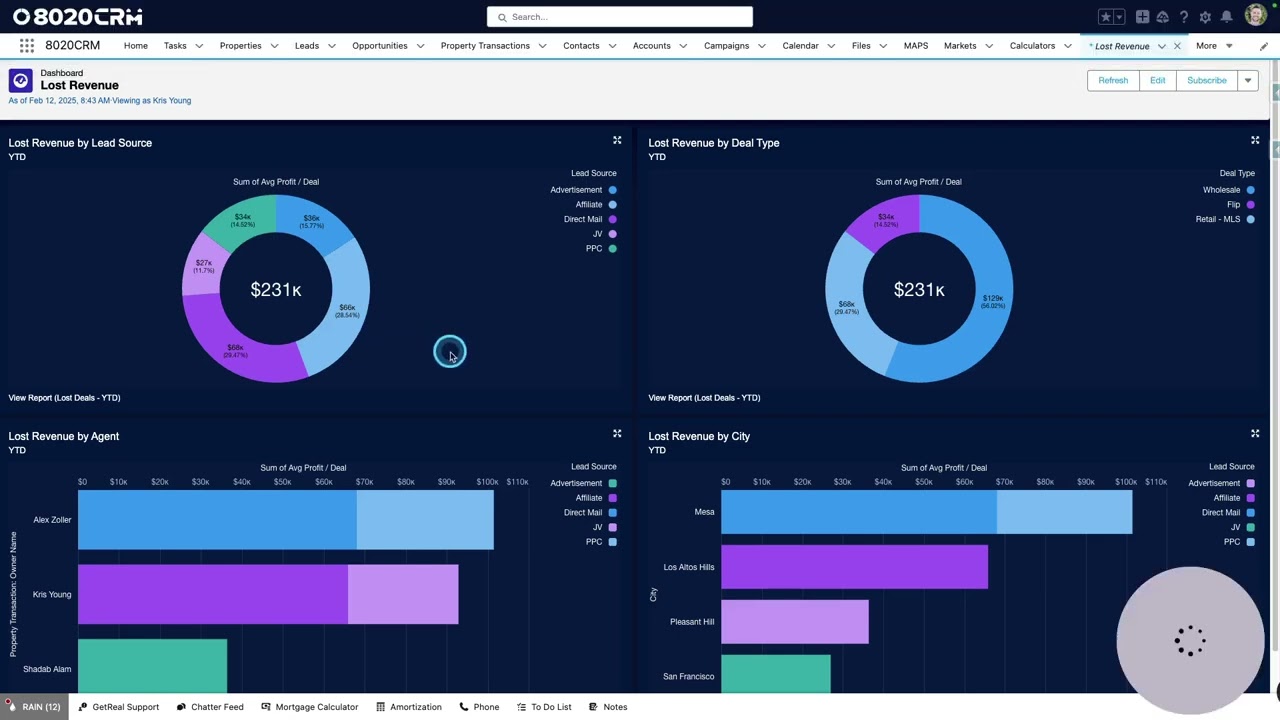
The Future of Real Estate CRM is Here!
In real estate, time is money , and wasted effort on unqualified leads, inefficient workflows, and scattered data can slow down growth and cost you deals. That’s why the latest update to 8020CRM is designed to help you work smarter, move faster, and close more transactions - without the extra hassle. This release introduces powerful tools that transform the way you manage leads, interact with data, and scale your real estate business: RAIN - Real AI Nexus: An AI-powered ass
3 min read

Understanding Salesforce Marketing Cloud in 8020CRM
Jump to section Overview Before You Begin Why It Matters How Marketing Cloud Supports You No Setup Required Best Practices Learn More Overview Salesforce Marketing Cloud is the email and messaging engine behind 8020CRM’s campaigns, automations, and follow-ups. While powerful and feature-rich, most users don’t need to access Marketing Cloud directly - 8020CRM handles the heavy lifting for you. This guide explains what Marketing Cloud does behind the scenes and how it supports
2 min read


Improving Email Deliverability in 8020CRM with SPF & DKIM
In this document, we will discuss how to enhance email deliverability in 8020CRM using SPF (Sender Policy Framework) and DKIM (DomainKeys Identified Mail). These mechanisms help ensure that your emails reach their intended recipients without being marked as spam. Key Components BCC Email Setup Purpose: BCC (Blind Carbon Copy) allows you to receive copies of emails sent out, helping you monitor what is being sent and identify any potential issues such as bounces. Recommendati
2 min read

Segmenting Data with Markets in 8020CRM
Jump to Section Overview Before You Begin Why It Matters Creating and Managing Markets Enhancing Your Market Automati on & Reporting Cloning and Editing Markets Real Estate Use Case Best Practices Overview The Markets feature in 8020CRM allows you to segment your CRM data into specific geographic or asset-based categories. Whether you manage acquisitions, dispositions, or a large portfolio, Markets help you organize properties, contacts, and transactions - making it easier t
2 min read
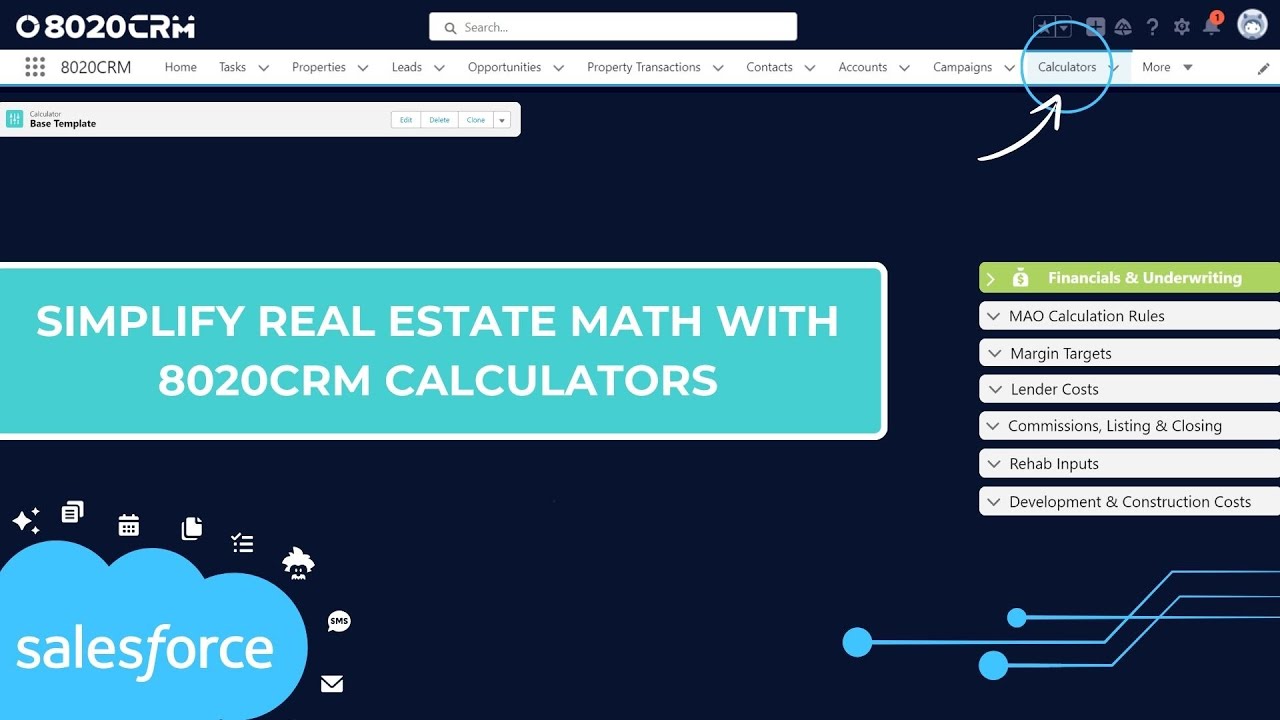
Analyzing Real Estate Deals with Calculators in 8020CRM
Jump to section Overview The 8020CRM calculators make it easier to analyze and compare real estate deals by automating financial projections and allowing you to customize for different strategies. Whether you’re flipping, renting, or wholesaling, these calculators save you time and help you make smarter decisions. Before You Begin You must have access to the Calculators feature in 8020CRM. If you do not see calculator options or are missing configuration settings, contact you
1 min read
bottom of page